Real Estate Tips
How to Use Reddit to Build Community Engagement in Real Estate
Here’s how you can harness Reddit’s potential to boost your real estate business!

Here’s how to harness the power of Google My Business to increase your visibility and grow your real estate business!
In today’s digital world, having a strong online presence is no longer optional—it's essential, especially for real estate agents looking to dominate their local market.
Whether you're trying to attract more clients, get more listings, or simply make a name for yourself in the neighborhood, Google My Business (GMB) is one tool you can't afford to overlook.
It’s free, effective, and when used correctly, can significantly boost your local SEO.
Here’s how to harness the power of Google My Business to increase your visibility and grow your real estate business.
(Photo from LinkedIn Pulse)
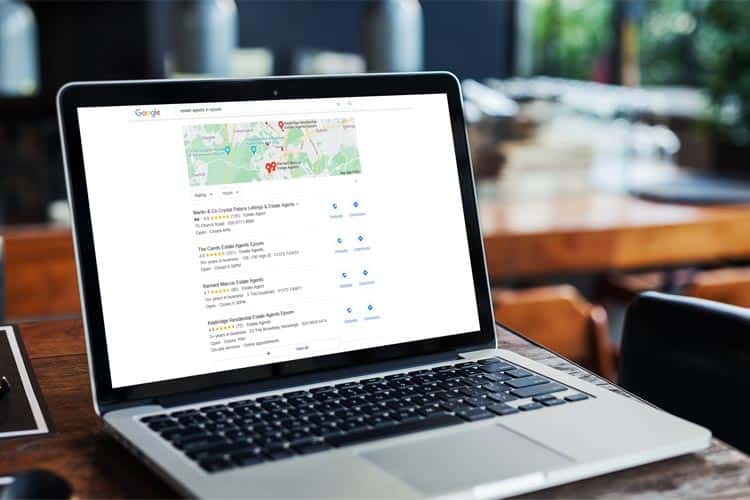
Before we dive into the nitty-gritty, let’s quickly go over what Google My Business is. Essentially, GMB is a free tool that allows businesses to manage their online presence across Google, including Search and Maps. When people search for a real estate agent or properties in your area, your GMB profile is one of the first things they’ll see.
Think of it as your digital storefront. A well-optimized GMB listing ensures you stand out when potential clients search for real estate services in your area. But it's not just about visibility; it's about credibility. A complete, accurate, and engaging GMB profile sends a message that you're a professional, trustworthy agent who’s active in the community. This can make all the difference when someone is deciding which agent to work with.
The first step is to claim and verify your Google My Business listing if you haven’t already. Head to the Google My Business website, sign in with your Google account, and search for your business name. If it pops up, claim it. If not, you’ll need to create a new listing.
Verification is crucial because it proves that you’re the legitimate owner of the business. Google typically sends a postcard with a verification code to your business address, but they may also offer phone or email verification in some cases. Once verified, you can start optimizing your profile.
(Photo from Art Division)
Now that your listing is verified, it’s time to optimize it. This is where you’ll get the most bang for your buck when it comes to local SEO. Here’s what to focus on:
The more information you provide, the better. Ensure every section of your profile is filled out, including your business name, address, phone number (NAP), website, hours of operation, and service areas. Make sure this information is consistent with what’s on your website and other online directories.
Selecting the appropriate categories is key. "Real Estate Agent" should be your primary category, but don’t stop there. Consider adding secondary categories like "Real Estate Consultant" or "Property Management Company" if applicable. This will help you show up in more relevant searches.
Images are vital for making a great first impression. Upload high-resolution photos of your office, staff, and properties you’re selling. Don’t forget to add a professional headshot of yourself as the agent. Regularly update your photos to keep your profile fresh.
Your business description is your opportunity to tell potential clients what makes you unique. You have 750 characters, so make them count! Highlight your experience, the types of properties you specialize in, and what sets you apart from other agents.
Just like your website, your GMB profile should include relevant keywords. Think about what your potential clients might search for, such as “luxury real estate in [Your City]” or “best real estate agent in [Your City].” However, avoid keyword stuffing—make sure your descriptions read naturally.

(Photo from Brixwork)
Reviews are a cornerstone of your GMB profile and can significantly impact your local SEO. Google’s algorithm considers both the quantity and quality of reviews when determining your ranking. Here’s how to make the most of them:
Don’t be shy about asking clients for reviews. After closing a deal, send a polite request for feedback along with a link to your GMB profile. The more positive reviews you have, the more trustworthy you’ll appear to potential clients.
Engagement is key. Always respond to reviews, whether they’re positive or negative. Thank clients for their kind words, and address any concerns raised in negative reviews in a professional manner. This shows you care about your clients’ experiences and are dedicated to continuous improvement.
Google My Business allows you to post updates, similar to social media posts. These can include announcements about open houses, new listings, blog posts, or local market insights. Regular posts help keep your audience engaged and signal to Google that your business is active, which can boost your SEO.
The Q&A feature on GMB is an underused gem. It allows potential clients to ask questions directly on your profile, which you can then answer. Be proactive—consider posting common questions and answering them yourself to save potential clients the trouble of asking. This can also preemptively address any concerns or queries they might have.

(Photo from The Property Source Group)
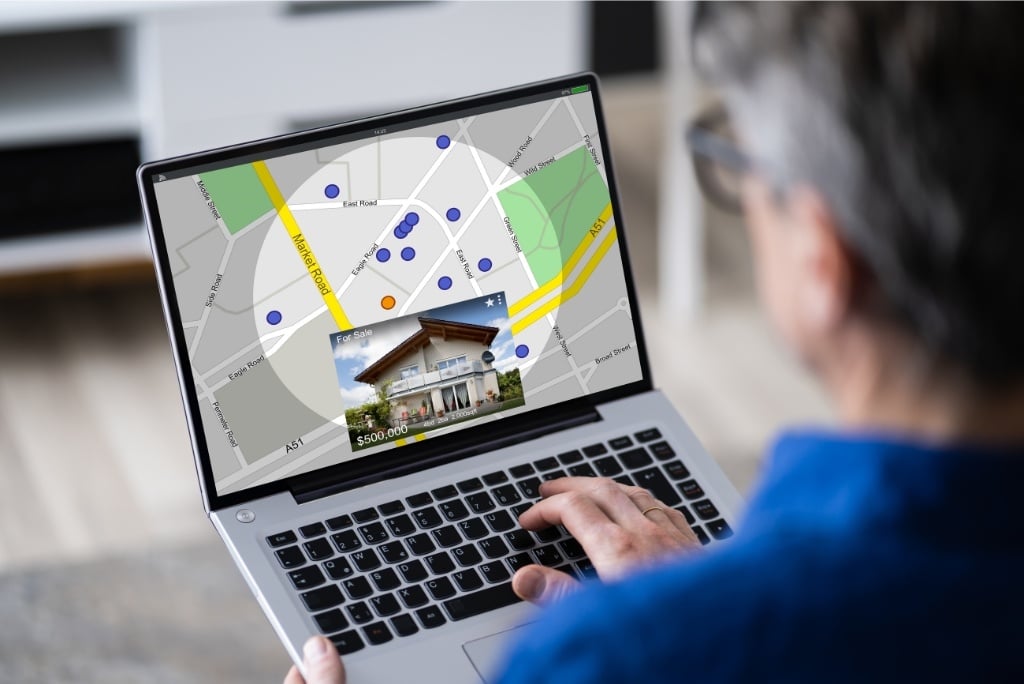
Google My Business provides valuable insights into how people are finding your profile, what actions they’re taking, and more. Use this data to refine your strategy. If you notice that most people are finding you through specific search terms, double down on those keywords in your posts and descriptions.
(Photo from Linkifi)
Google My Business is a powerful, often underutilized tool for real estate agents looking to enhance their local SEO. By claiming and optimizing your profile, encouraging reviews, posting regular updates, and using insights to guide your strategy, you can significantly improve your visibility and attract more local clients. It’s a straightforward process, but one that can have a substantial impact on your business. So, take the time to get it right—your future clients are searching for you!
As always, thank you guys so much for taking the time to read this blog post - we here at Transactly are always grateful for the support! Stay tuned for more content coming every Monday, Wednesday, Friday, and Saturday.
We'd also like to list down the following sites that provided the inspiration for this blog post - go give them a read as well:
AgentFire: https://agentfire.com/blog/google-my-business-real-estate/
Brightlocal: https://www.brightlocal.com/learn/local-seo-for-real-estate/
Jason Pantana: https://www.jasonpantana.com/blog/local-seo-ranking-with-google-my-business-for-real-estate-agents-2021
Ylopo: https://www.ylopo.com/blog/google-my-business-real-estate
Here’s how you can harness Reddit’s potential to boost your real estate business!
Here, we'll talk all about how you can use retargeting ads to boost your real estate business - read on!
Here, we provided some tips that will help you build a robust online presence that attracts clients and boosts your business!